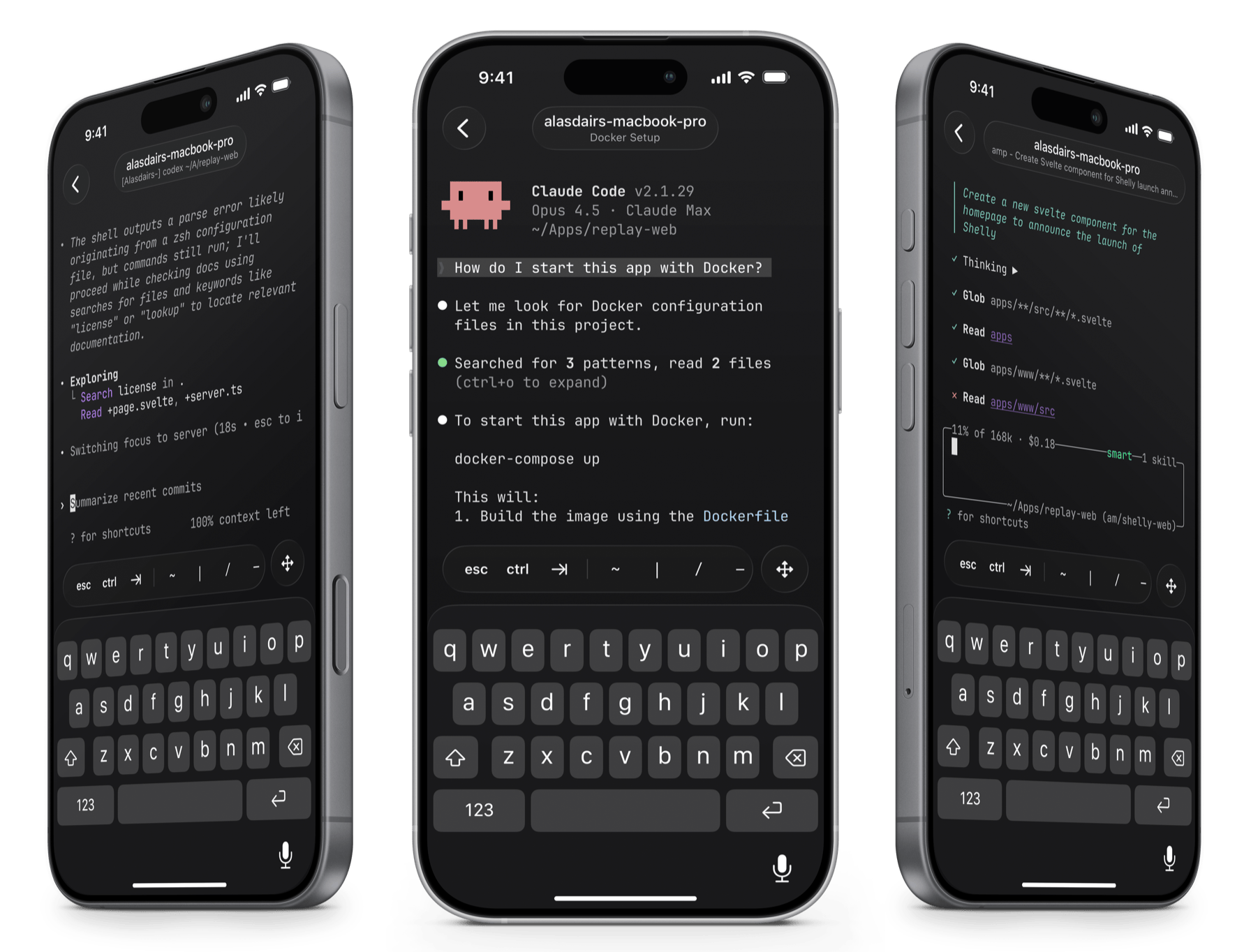
The terminal is having a moment. Between the rise of rich TUI applications, AI coding agents that live in your shell, and projects like Ghostty pushing terminal rendering forward, the command line has never been more relevant. Echo, by indie studio Replay Software, drops right into this wave — a native SSH and Mosh client for iOS and iPadOS designed to make mobile terminal work not just tolerable, but genuinely good.
What It Is
Echo is a $2.99 one-time purchase on the App Store. No subscription, no in-app purchases. It gives you a full SSH client on your iPhone or iPad, backed by Ghostty's open-source terminal engine for rendering and Mosh support for resilient connections that survive network switches and spotty cell signal.
The app targets iOS 26+ and is built natively — Metal-accelerated rendering, Keychain integration for SSH key storage, and Face ID for connection security. It supports Ed25519, ECDSA, and OpenSSH certificate authentication.
Why It Matters
The pitch isn't just "SSH on your phone" — that's existed for years. Echo's angle is that the terminal itself has changed. Tools like lazygit, lazydocker, and the Charm ecosystem (Bubbletea, Lip Gloss) have turned terminals into rich interactive canvases. More importantly, AI coding agents — Claude Code, Codex, Gemini CLI, Amp, and others — now run long-lived sessions on remote machines, generating code and waiting for human approval.
Echo is built for that workflow. SSH into your box, reattach your tmux session, and you're back in context with your agent. Review a diff on the train. Approve a file change from the couch. The complex TUI interfaces these agents render — syntax highlighting, interactive diffs, progress bars — all work correctly because Ghostty's engine is doing the heavy lifting underneath.
The iPhone Experience
Mobile SSH has historically been painful because of the keyboard. Echo addresses this with a custom toolbar above the iOS keyboard that surfaces common terminal characters (pipes, tildes, brackets, escape) and provides gesture-based arrow key movement. It's a small detail that makes a disproportionate difference when you're actually navigating a vim buffer or scrolling through agent output with your thumbs.
The iPad Experience
This is where Echo arguably shines brightest. Full hardware keyboard support means Ctrl, Meta, arrow keys, and function keys all behave correctly. Split View and Slide Over let you run multiple terminal sessions side by side — code in one pane, logs in another. Stage Manager support allows free window resizing and arrangement alongside other apps. With an iPad and a keyboard, it starts to feel like a capable remote development setup.
Powered by Ghostty
Under the hood, Echo embeds the Ghostty terminal engine — the same blazing-fast, GPU-accelerated emulator that's become a favourite among developers on the desktop. This isn't a basic VT100 parser or a WebView wrapper; it's a proper terminal that handles complex TUI layouts, true colour, ligatures, and monospaced font rendering with Metal acceleration. The result is that everything from lazygit panes to Claude Code's syntax-highlighted diffs renders with the same fidelity you'd expect from a desktop terminal. Ghostty's correctness is what makes Echo viable for real work rather than just quick shell one-liners.
Mosh Support
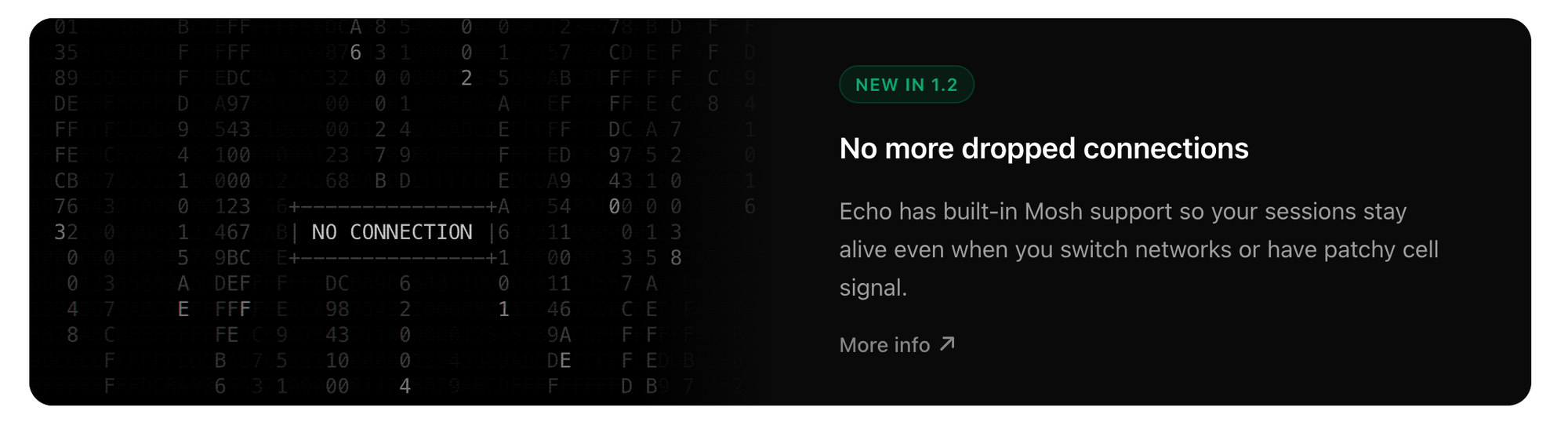
Added in version 1.2, built-in Mosh support keeps sessions alive across network transitions. If you're on Wi-Fi and walk out to LTE, or pass through a dead zone on a train, your session persists. For mobile use this is table stakes, and it's good to see it included natively rather than requiring a separate client.
Customization
Echo ships with over 400 terminal themes spanning dark, light, and everything in between. If you know Replay from their macOS app Sleeve, the attention to visual polish won't surprise you.
Cloudify VM Access Example
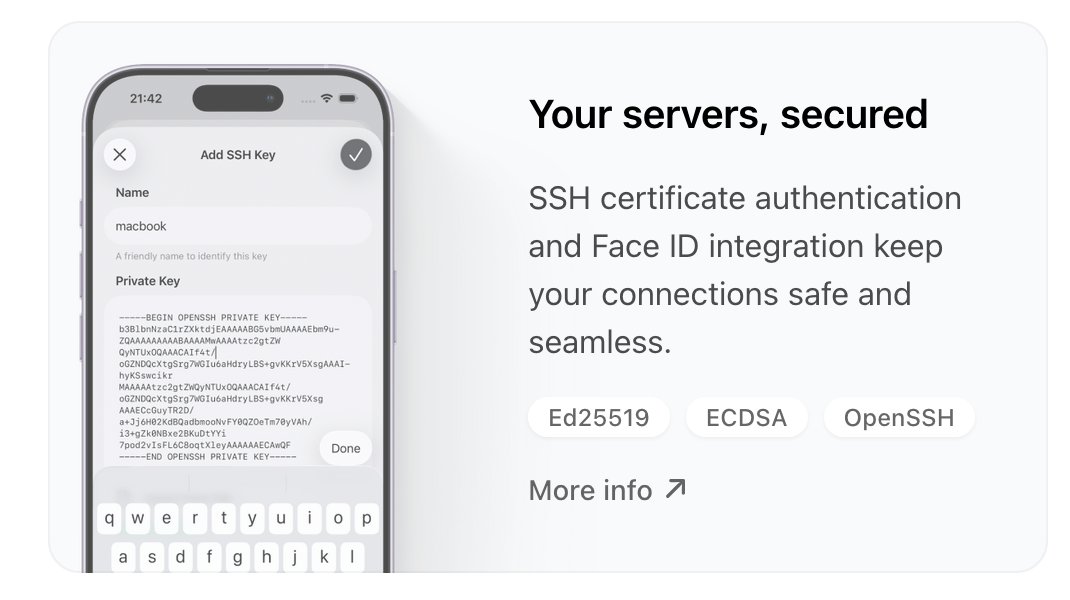
If you're running VMs on a provider like Cloudify.ro, Echo makes connecting to your instances effortless. Import your SSH key into the iOS Keychain, add your server's IP and username, and you're in — Face ID authenticates, the key handshake happens, and you have a full terminal session on your VM in seconds. Pair that with Mosh and your session survives even if you hop between Wi-Fi and mobile data. For anyone managing cloud infrastructure from a phone or tablet, the SSH key + Mosh combination removes most of the friction that made mobile server access feel like a last resort.
Start a Claude Code session on your Cloudify VM at your desk, walk away, pick it back up on your phone via Echo with the tmux reattach + Mosh workflow. Ties together the SSH key setup, Face ID, Ghostty rendering, and the on-the-go use case from your screenshot. Let me know if you want to tweak anything.
Who It's For
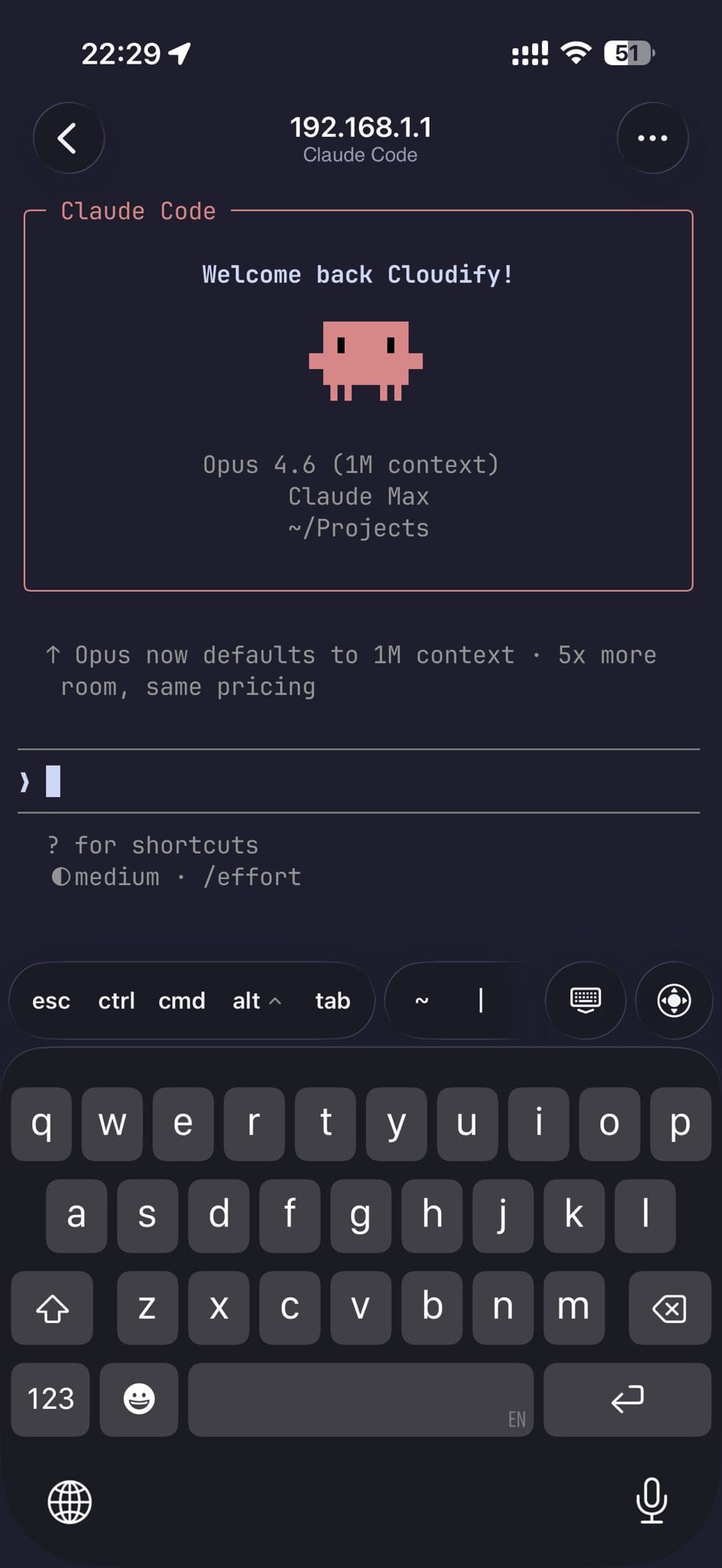
Echo is for developers and infrastructure engineers who spend meaningful time in terminals and want a way to stay connected from mobile. It's particularly well-suited for anyone running AI coding agents on remote machines — the ability to check in on a Claude Code or Codex session from your phone fills a gap that didn't have a clean solution before.
At $2.99 with no recurring costs, it's an easy addition to the toolkit.
Links
- App Store: Echo — SSH Client
- Documentation: replay.software/help/echo
- Developer: Replay Software by Alasdair Monk & Hector Simpson